(218) Microsoft Intune - Windows Backup and Restore

A customer reached out with wanting to use 'Windows Backup and Restore' from Microsoft Intune to ensure Intune policies will get retained after a device has gone through a fresh start or wipe option. Windows Backup and Restore is similar to that of Enterprise State Roaming.
The requirements for Windows Backup and Restore are:
- Devices must be Microsoft Entra joined or hybrid joined
- Windows 10/11 (22H2+ for restore)
- Intune tenant (MDM policy control)
The differences between each are:
Category / Setting | Windows Backup for Organizations | Enterprise State Roaming |
System > Display | ✅ Multi-monitor window positions, cursor ease, Night Light, Snap, Desktops | ❌ |
System > Notifications / Do Not Disturb | ✅ Full set of notification & DND preferences | ❌ |
System > Multitasking | ✅ Snap layouts, desktops, shake | ❌ |
System > For Developers (Explorer view prefs) | ✅ File extensions, hidden/system files, full path, empty drives | ❌ |
System > About | ✅ Rename this PC | ❌ |
Bluetooth & Devices > Autoplay | ✅ Drives, memory cards | ❌ |
Bluetooth & Devices > Printers & Scanners | ✅ Default printer | ❌ |
Bluetooth & Devices > Mouse | ✅ Pointer speed, scroll, inactive windows scroll | ✅ Primary button only |
Bluetooth & Devices > Pen & Windows Ink | ✅ Ignore touch, use pen as mouse, tactile signals, pen shortcuts | ✅ Pen handedness, effects, cursor, erase w/top, handwriting prefs |
Bluetooth & Devices > Touchpad | ✅ Sensitivity, gestures, zoom, feedback | ✅ Scroll direction |
Bluetooth & Devices > USB/Touch | ✅ USB charging notices, touch gestures, wake | ❌ |
Network & Internet > Wi-Fi | ✅ Random hardware addresses | ✅ Manage known networks (profile type, auto connect, metered) |
Network & Internet > VPN/Cellular | ✅ VPN roaming, data roaming, use cellular when Wi-Fi poor | ❌ |
Personalization > Background/Colors/Themes | ✅ Full personalization: wallpaper, themes, colors, taskbar, Start folders | ✅ (General personalization, fewer sub-options exposed) |
Personalization > Start/Taskbar | ✅ Layout, folders, taskbar behaviors, pinned apps | ❌ |
Text Input | ✅ Touch keyboard theme, key size, sounds, suggestions | ❌ |
Apps | ❌ Apps themselves not backed up | ❌ (only app settings if UWP uses RoamingSettings API) |
Accounts > Windows Backup > Preferences | ✅ Accessibility, Personalization, Other Windows Settings | ✅ Accessibility, Apps, Passwords (Wi-Fi + web creds), Personalization, Language, Other Windows Settings |
Accounts > Passwords | ❌ (disabled in WBfO list) | ✅ Wi-Fi passwords, Web account credentials |
Accounts > Email and Accounts | ✅ Accounts used by other apps (MSA only) | ❌ |
Time & Language > Date & Time | ✅ Time zone auto, additional calendars | ❌ |
Time & Language > Typing | ✅ Suggestions, autocorrect, multilingual typing | ❌ |
Time & Language > Language & Region | ❌ (not listed in WBfO) | ✅ Profile, country/region, regional format |
Gaming | ✅ Game Bar, Game Mode, shortcuts | ❌ |
Accessibility > Vision | ✅ Extensive (text size, transparency, magnifier, filters, narrator, contrast) | ❌ (except speech typing under Accessibility > Speech) |
Accessibility > Speech | ❌ (Voice access limited) | ✅ Voice typing launcher, auto punctuation |
Accessibility > Keyboard/Interaction | ✅ Sticky keys, Filter keys, Toggle keys, Print screen, Eye Control | ❌ |
Accessibility > Hearing | ✅ Mono audio, flash screen, captions | ❌ |
Privacy & Security > Activity history | ✅ Until 23H2 | ❌ |
File Explorer (shell options) | ✅ Single vs double-click, compact view, hidden files, check boxes, Recycle Bin confirm, desktop icon layout | ❌ |
Other settings | ❌ | ✅ History files (Japanese IME dictionary) |
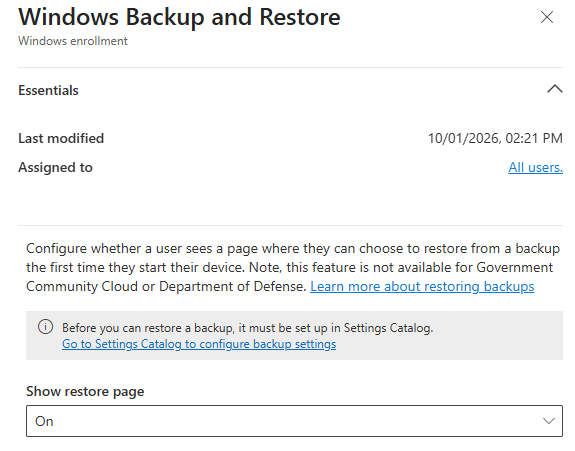
To get it setup, navigate to https://intune.microsoft.com/ then select Devices then select Enrolment then select Windows Backup and Restore.

Select the option to be selected with showing "Show restore page" as "On"
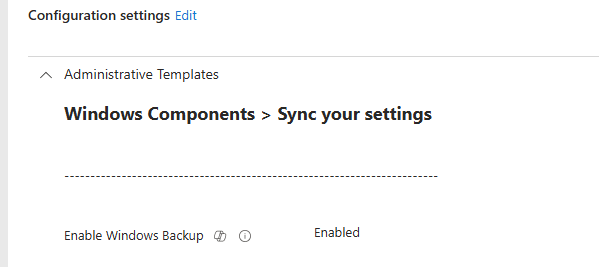
Create the configuration profile with the following setting and deploy it to the groups.
Setting: Enable Windows Backup = Enabled
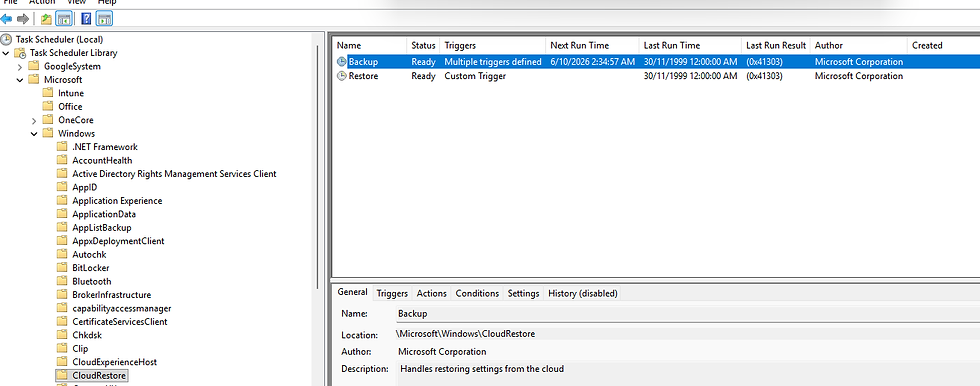
Once it has been deployed, on the device, you can task scheduler to view the task scheduler that has been deployed. This setting is set to run once every 8 days.
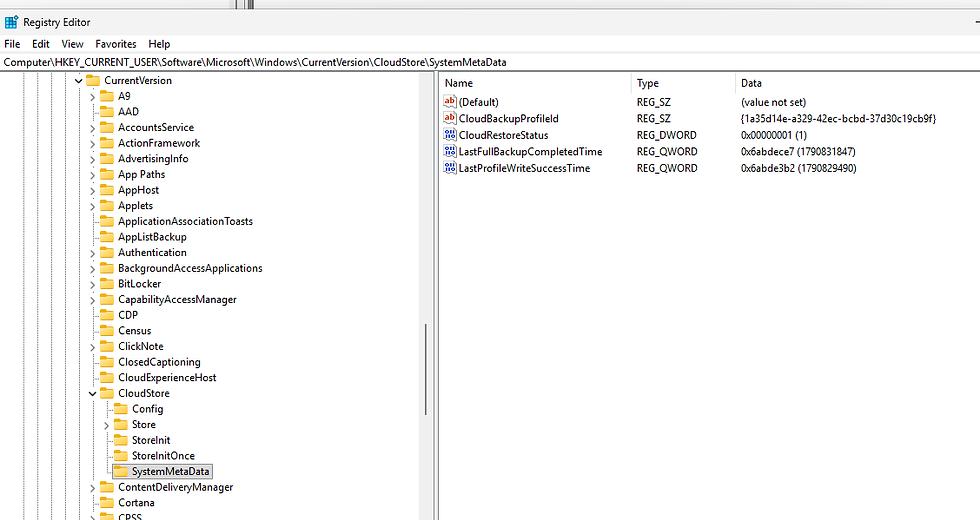
Once the backup has been triggered, by navigating to registry you will see that it has succeeded. By navigating to HKCU\Software\Microsoft\Windows\CurrentVersion\Cloudstore\SystemMetaData\LastFullBackupCompletedTime
I tested with Fresh Start was a no go, I didn't get prompted to use 'Windows backup and restore'
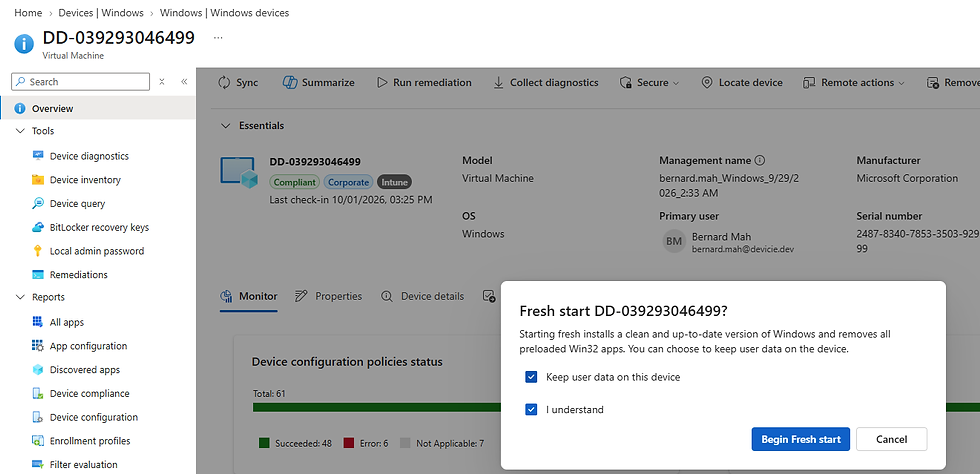
After the fresh start build was done, I kicked off Wipe then Wipe again.
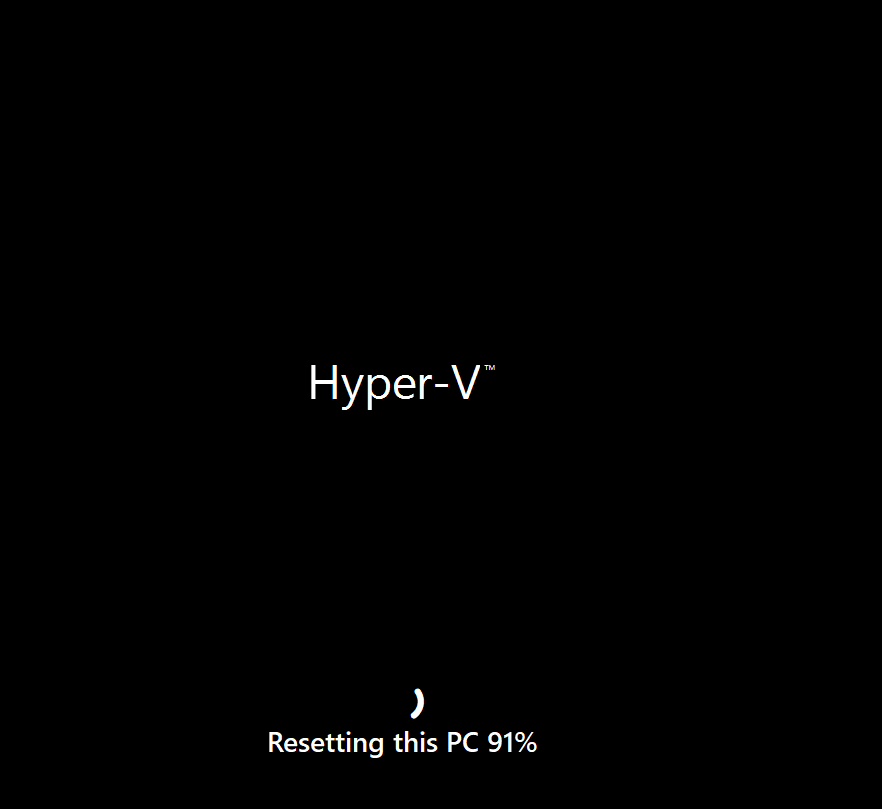
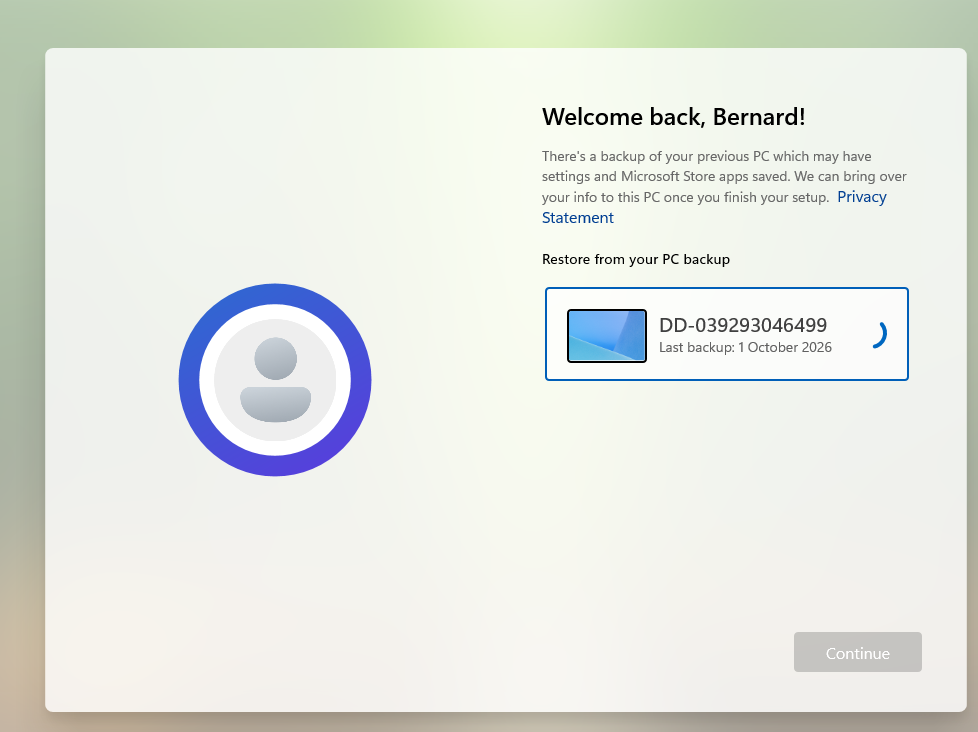
After the enrolment went through again, and got prompted for Windows Hello for Business setup after that was completed. The Windows backup and restore appeared to restore.
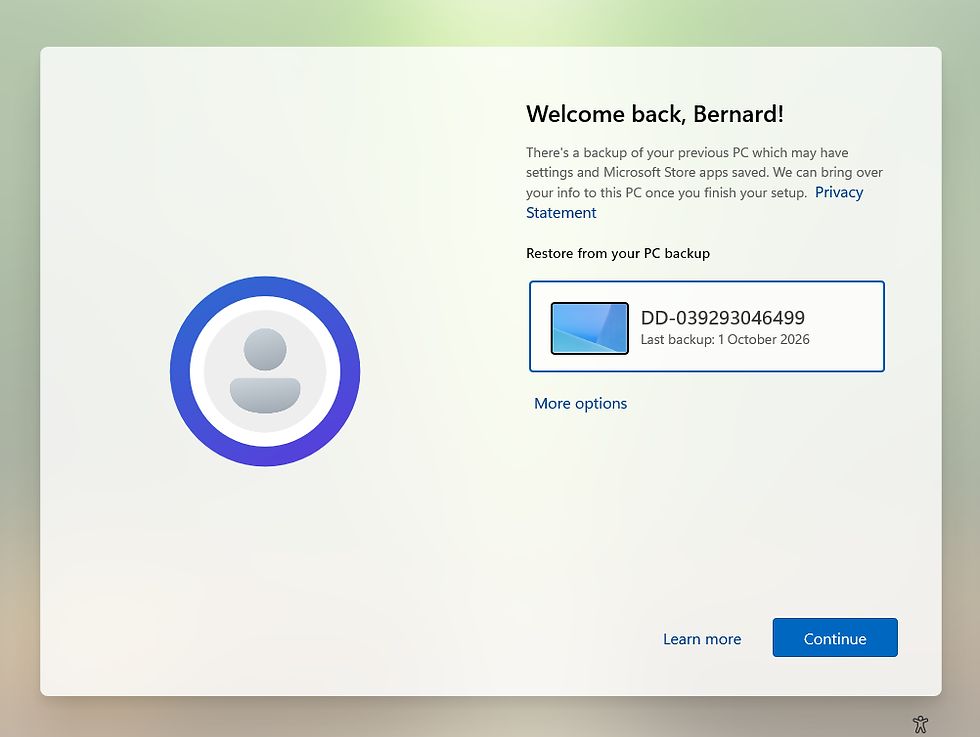
Select Continue.
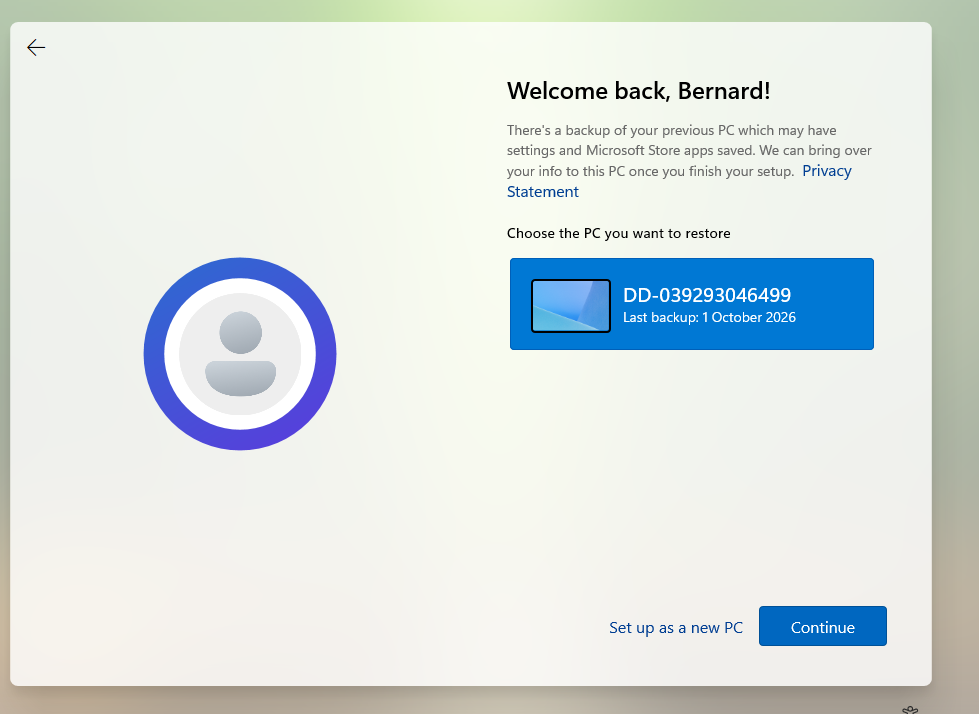
This will begin the process with 'Restore from your PC backup'
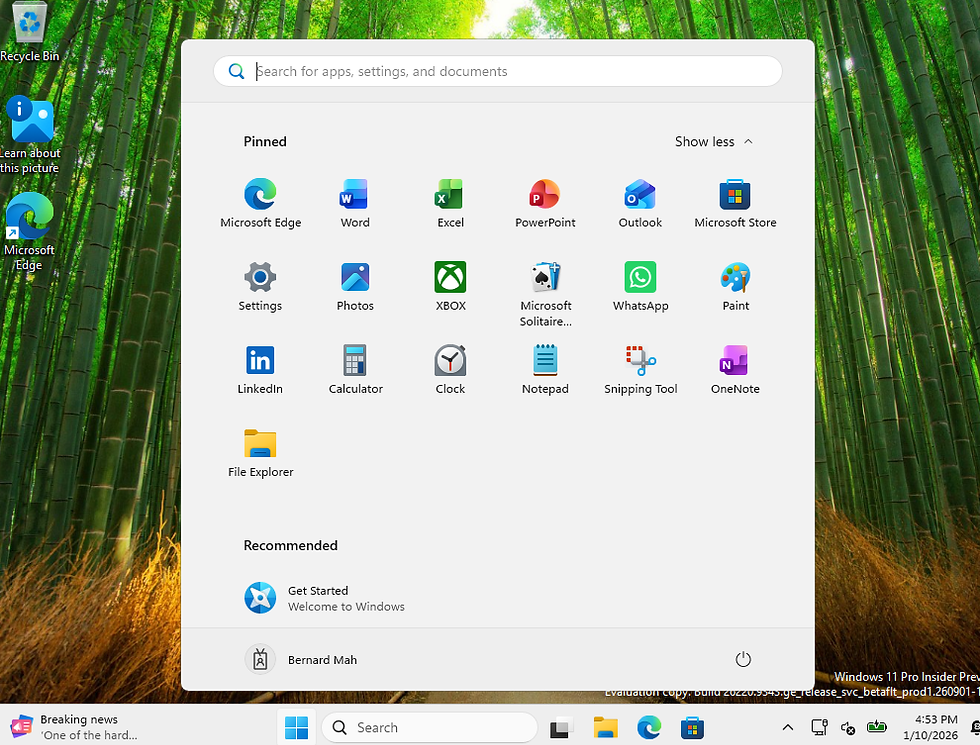
Once restored, it will load to the start menu.


Comments