(215) Microsoft Intune - Set Microsoft Edge Site Permissions with "Apps on device"

A customer reached out to me yesterday as there wanted to implement Papercut in their environment, where one was the requirements was to automatically have when logged into the papercut website the option for "Apps on device" would be enabled by default.
I came across this site: https://admscope.com/admx/Microsoft_Edge/en-US/Machine/Microsoft.Policies.Edge::LocalNetworkAllowedForUrls which defined the settings that needed to happen.
In Microsoft Intune, under Settings Catalog searched for Allow sites to make requests to local network endpoints which appears for both Google Chrome and Microsoft Edge.
Set Allow sites to make requests to local network endpoints = Enabled
Allow sites to make requests to local network endpoints. (Device): https://au.hive.papercut.com https://*.hive.papercut.com https://login.papercut.com

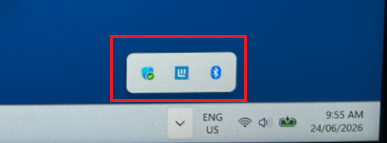
Once the device has received the policy, you will see this


Comments